A phone form can fail at two different moments. It may reject the number before any message is sent, or it may accept the number and leave you waiting for a verification code. If you reached a form while looking up AB33 sign-up, the point at which it stopped gives you a better clue than trying the same button again. Form labels, supported number types and verification methods can vary by region and service.
If the form rejects the phone number
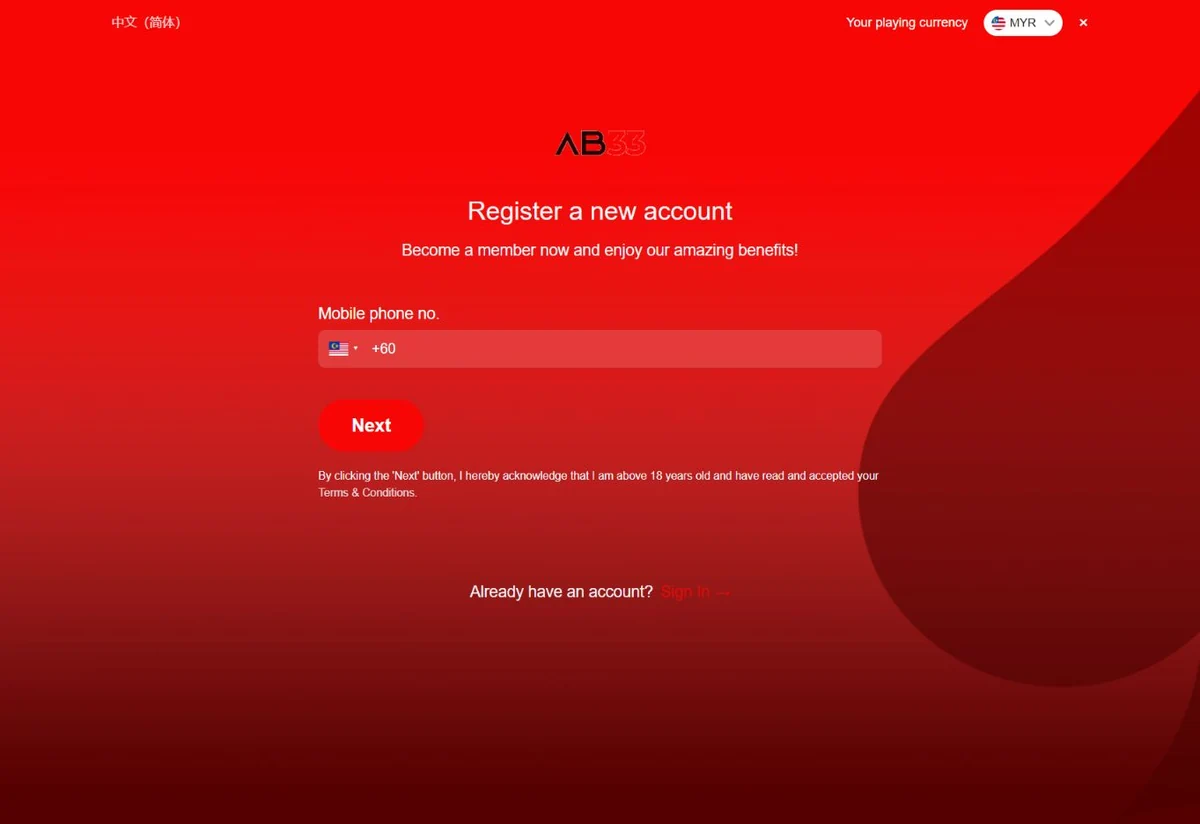
Read the country selection and the example printed beside the field. Some forms show the country code as a fixed prefix and ask for the national part in a separate box. Others expect the entire number in one field. If the selector already displays +60 and the field shows a local example, pasting a saved contact that also starts with +60 may repeat the prefix. Follow the format shown by the form and use the number you can still receive messages on.
Check what your browser inserted. Autofill can choose a previous number or add spaces, parentheses and dashes. Compare the populated value with the example, then type it manually if the formatting seems off. On a dual-SIM phone, check the number associated with the active line you intend to use. A number that belongs to an old SIM can look perfectly valid in the field and still be unavailable when a message arrives.
If the screen says a code was sent
Read the masked destination if the screen displays one. The last few digits can help you spot a wrong number without exposing the whole thing. Check whether that SIM has service and can receive an ordinary message, then review any blocked or spam folder in your messaging app. Delivery may take time. Use the on-screen countdown or retry guidance if one is provided.
If multiple codes arrive together, check the message times and the instructions on the current screen. A new request can invalidate a previous code on some services. Keep your attention on the verification screen you opened for that request and avoid reading codes aloud or forwarding screenshots of the messages. FTC guidance on verification codes.
If the number is already in use
A message that a number is already registered calls for a different next step. Consider whether you previously opened an account. If the service shows an account recovery option, reach it through the address you independently verified. If the number is new to you and you do not recognise the account, stop and ask a support channel you can verify how it handles reused numbers.
Keep one brief note of the issue before contacting support. Useful details can include the wording of the error, your device and browser, the country selected and the approximate time of the attempt. Crop or redact any screenshot that contains your full number, a code, saved passwords or identity information. If a message or caller asks for your password or code, end the exchange and contact the service independently.
A worked example
Suppose a form highlights the number in red immediately after you paste a contact. Check the selected country and the field format before testing message delivery. If the field is accepted on the next attempt and the masked number matches, the remaining question is delivery. Check the SIM and wait for the screen to allow a retry. If the masked number does not match, correct the number through the form before asking for another code.
Check the service’s eligibility and terms before sharing account information. If you cannot verify the destination, the account ownership or the expected format, pause and resolve that question first.
Related reading · Responsible Gaming and Account Security Guide